DuoScreen for iPhone Duo
Your second screen.
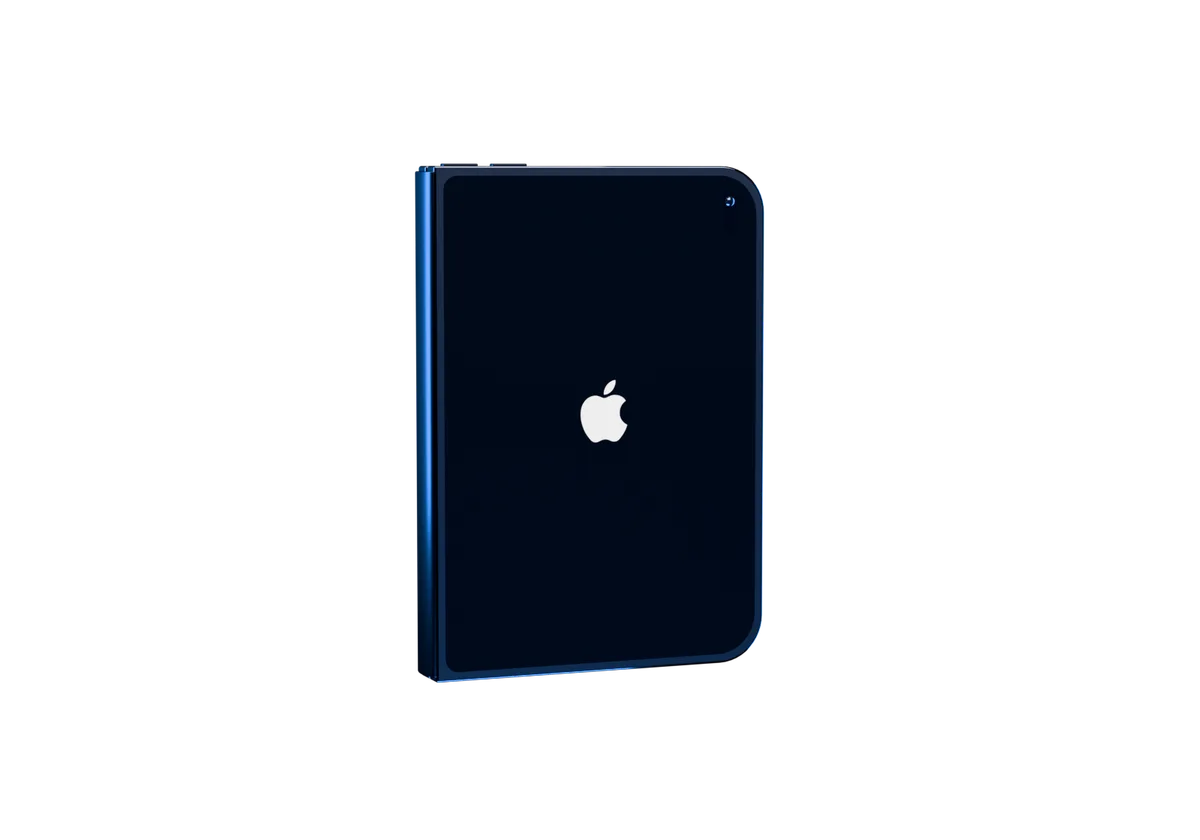
DuoScreen for iPhone Duo
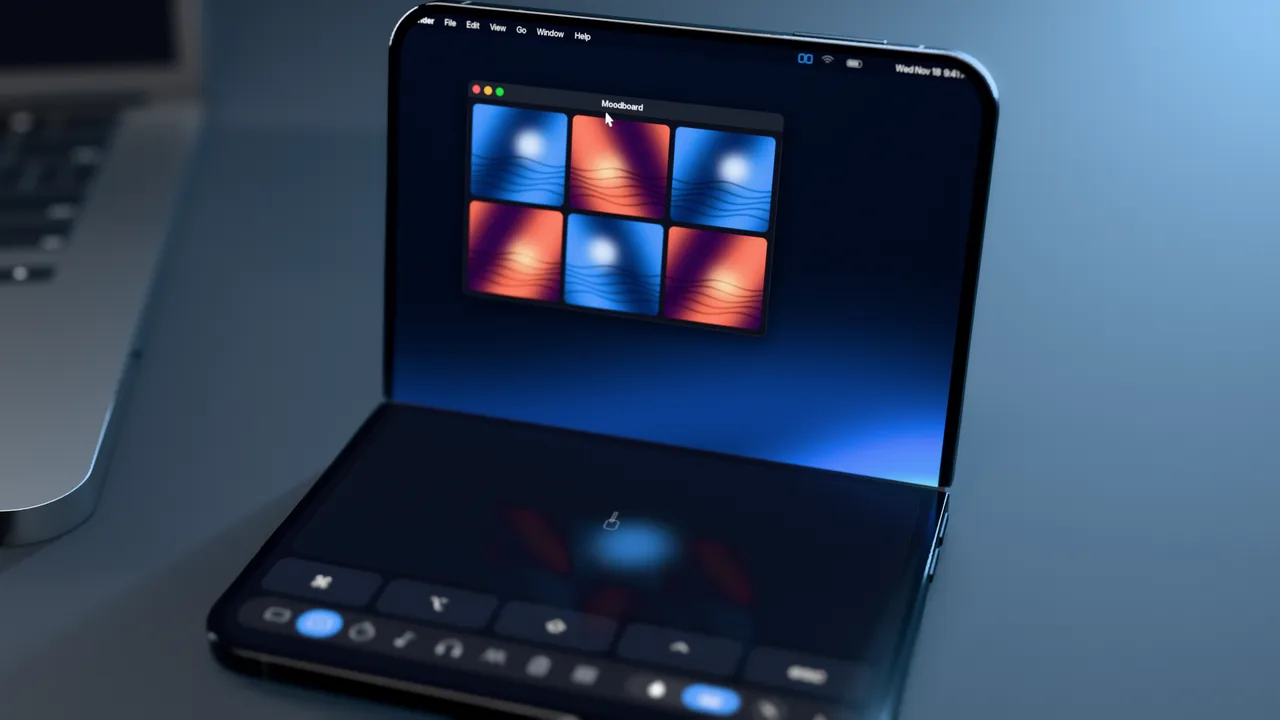
Unfold the iPhone Duo, and its big inner screen becomes part of your Mac.
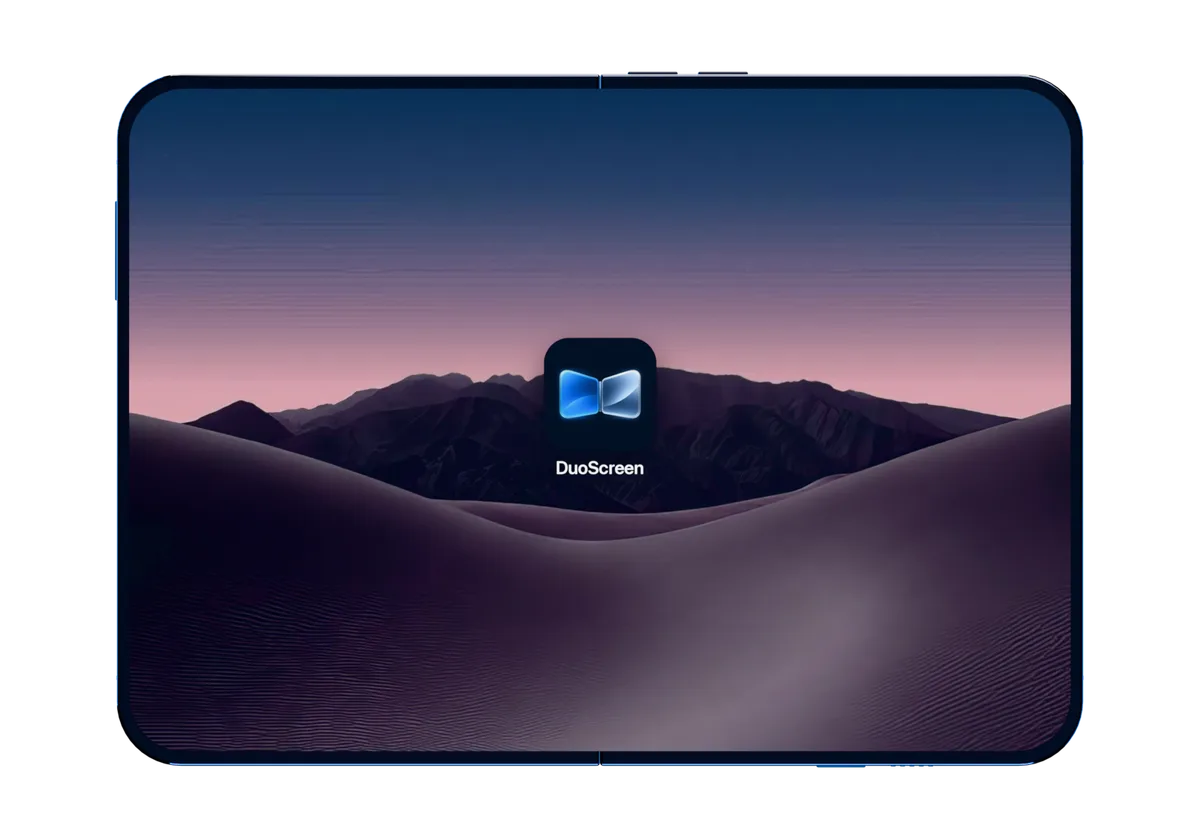
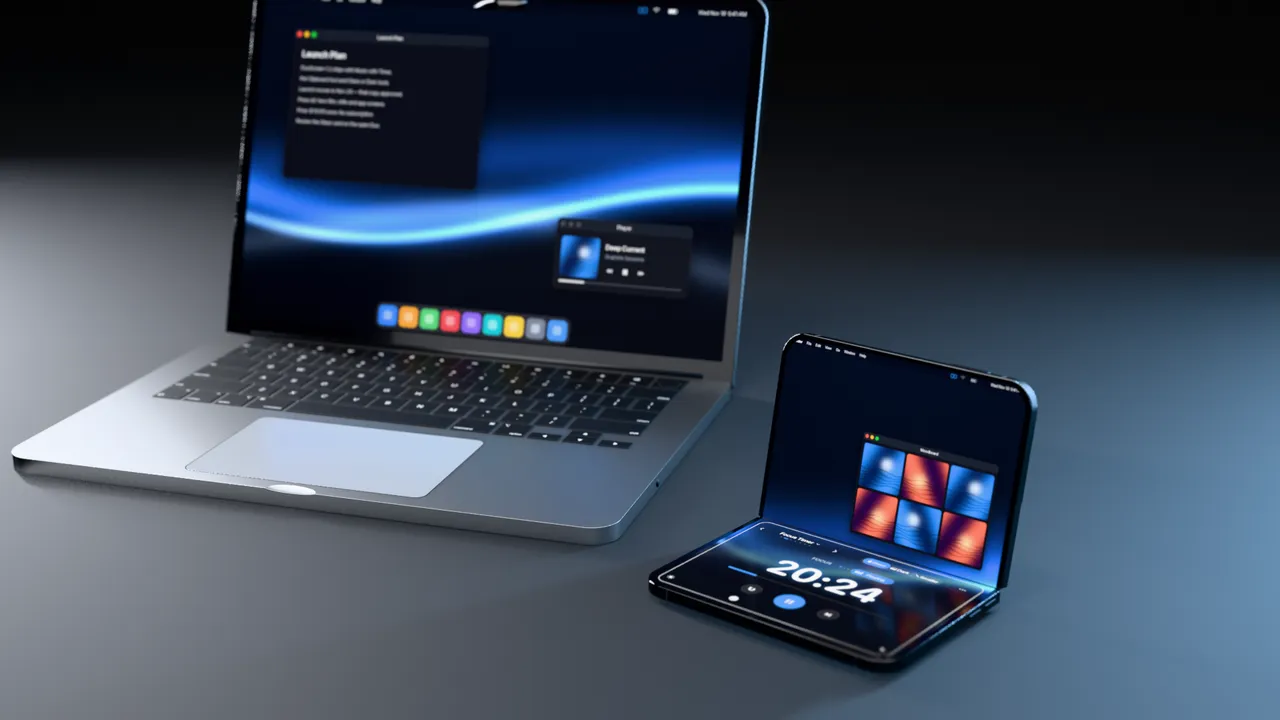
Extend your Mac wirelessly. No extra monitor to carry.
Wi-Fi first. USB-C when you need it.
A real extended desktop, not a mirror: drag a window off your Mac and it lands on your iPhone.
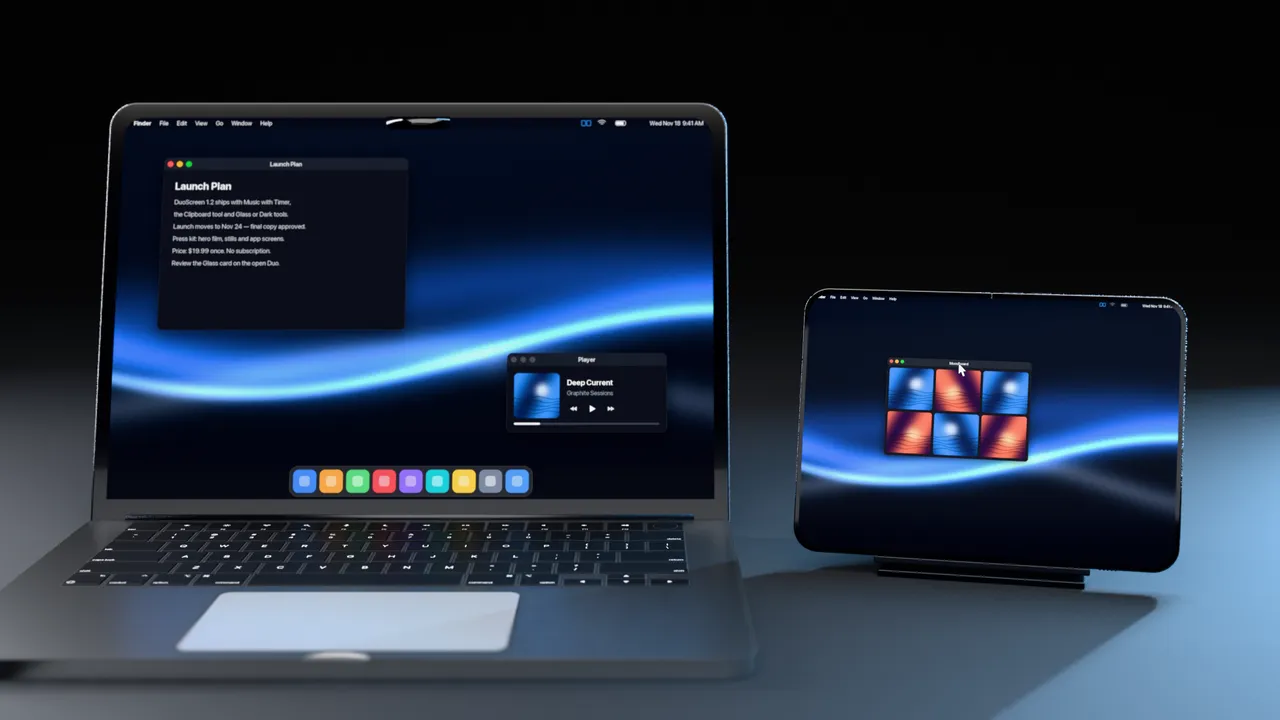
Watch, work, and organize your Mac windows side by side. Pin a window Full, Left or Right — the hinge becomes the divider.
A touchpad with tap, scroll, right-click and three-finger swipes, plus a shortcut bar.
A focus timer that counts down from 25:00 — and can play your music while you work.
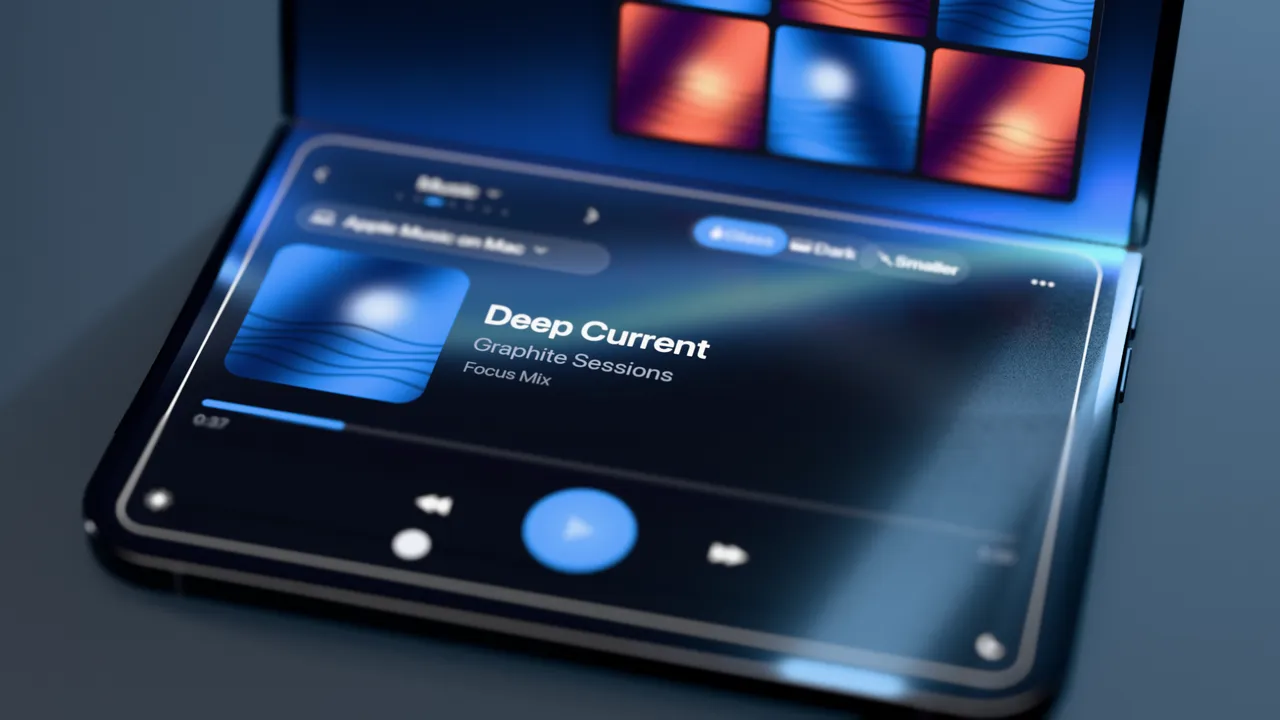
Control Apple Music or Spotify on your Mac, or Apple Music on your iPhone.
The film · 1 minute 12 seconds
From the first unfold to folding it away: connect beside your MacBook, flip it up into a touchpad, play music, pair it with a focus timer, take notes in a meeting, and catch what you copied — all in seventy-two seconds.

$19.99. Once.
Try free for 7 days.
No monthly subscription.
New · Five sizes
A timer doesn't need half your screen. Every tool steps down from Full to a small live pill, or out of sight entirely, and keeps working at every size. One button goes smaller, one goes bigger.
The tool fills the screen.
The tool takes one side. Your desktop keeps the other.
A card in any corner, over the full desktop.
A live pill: the time left, what's playing, your next event.
Just a tab on the edge. Tap it and the tool is back.
Diagram, not a screenshot. Touchpad and Widget Dock skip Mini.
Real screenshots
Real captures of DuoScreen on the iPhone Duo, connected to a real Mac. Swipe, use the arrow keys, or open one full screen.
1 / 10
Captured from DuoScreen on the iPhone Duo simulator, streaming a real Mac. Desktop icons were hidden and menu-bar status items removed for privacy.
Features
A real display for your Mac, and the tools that make a second screen worth carrying.
Your Mac gets a genuine second display — not a mirror. Drag windows onto your iPhone and keep working on both screens.
Full, Half, Card, Mini or Hidden. Step a tool down until it's a small live pill, or just a tab on the edge. It keeps working, and your Mac gets the screen back.
Switch tools and a running timer or playing music stays on screen as a small chip. Pause from the chip, or tap it to go back.
Drop a window — a video, a document — on the DuoScreen display and pin it full screen or to one side. It keeps its place when the display changes shape.
Tap, two-finger scroll and right-click, hold to drag, three-finger swipes. Volume, brightness, screenshot, copy, paste and undo sit one tap away.
A Liquid Glass focus timer with presets. Once it's running it shrinks itself to a pill, and opens for a moment when a phase ends. Turn on Music with Timer and your music pauses on breaks.
Control Apple Music or Spotify on your Mac, any Mac player through its media keys, or Apple Music on the iPhone — with a Mac volume slider.
When a call starts on your Mac, switch to Meeting mode: notes, a meeting clock, Mac mic mute and Do Not Disturb through your own Mac shortcuts.
What's on now and next from Apple Calendar — every account on your iPhone. Five minutes before an event, its name and a countdown appear for a moment. Direct Google sign-in is coming.
How it works
No account, no cloud. Your Mac and your iPhone talk directly, on your own network or over a cable.
The free menu-bar companion. Allow Screen Recording so it can drive the display, and Accessibility for touch and the touchpad.
It finds your Mac on the same Wi-Fi — or over a USB-C cable. Tap Connect next to it.
The first time, both screens show the same 6-digit code. Confirm on both, and you're paired.
Your Mac now has a real extra display. Drag windows over, pin them, and swipe through your tools.
DuoScreen for Mac · Free
A small menu-bar app that creates the extra display and sends it to your iPhone.
Pricing
One time. Yours to keep.
After a 7-day free trial. DuoScreen for Mac is free.
Price in US dollars; the App Store shows your local price.
No. You start a 7-day free trial yourself from inside the app. If you want to keep DuoScreen, unlock it with one $19.99 purchase. Nothing renews, and the trial never turns into a charge on its own.
It extends it. Your Mac sees a real second display, so you can drag windows onto your iPhone while your main screen keeps its own windows.
Yes. Every tool has five sizes: Full, Half, Card, Mini and Hidden. Tap Smaller until it's a small live pill, or a thin tab on the edge of the screen. The tool keeps running the whole time, and one tap on the pill or the tab brings it back at the size it had.
Yes. A running or paused timer, and music that's playing, stay on screen as a small chip beside whatever tool you're using. You can pause from the chip or tap it to switch back. You can turn chips off in Settings.
Cards and pills keep clear of them. DuoScreen for Mac tells the iPhone where the menu bar and Dock are on the DuoScreen display, and the tools move out of the way within a few seconds if you move the Dock.
No. DuoScreen connects over your local Wi-Fi first. If you'd rather use a cable, it also connects over USB-C.
A Mac running macOS 14 Sonoma or later, with the free DuoScreen for Mac companion installed.
Creating a real extra display needs macOS capabilities the Mac App Store doesn't allow, so the companion is downloaded from this site. It will be signed with Apple Developer ID and notarized; the download appears here as soon as that is done.
DuoScreen runs on iPhones with iOS 17 or later. It's designed for iPhone Duo: the hinge-aware layouts, book and tabletop postures and the big unfolded screen are what it's built around.
Apple Music and Spotify on your Mac, other Mac players through the Mac's media keys, and Apple Music on the iPhone. Spotify on the iPhone isn't supported yet.
No. The picture travels only between your own Mac and iPhone, over your local network or a cable, and is encrypted after the first pairing. DuoScreen has no accounts, analytics or tracking.
When Teams, Zoom, FaceTime, Meet, Webex or Slack starts a call on your Mac, DuoScreen offers Meeting mode: notes, a meeting clock, a Mac mic mute and Do Not Disturb through two shortcuts you create once on your Mac.
Not yet. The iPhone app's App Store listing and the signed Mac download are on their way — the buttons on this site will switch from "Coming soon" to live links the day they are.

Your Mac's second screen, in your pocket.